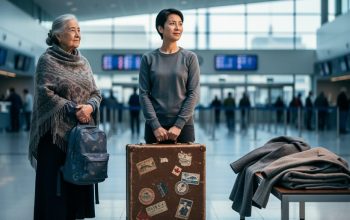
Remote learning in Canada means studying outside a physical classroom, through online courses, mailed materials, broadcast lessons, or a mix of all three, and each province and territory manages it for its own residents. If you want to access it, the main steps are simple: find out whether you qualify, register through your provincial or territorial education authority or a participating school, and learn what you can expect from your school and what it expects from you. For most learners, that takes a few conversations and some paperwork, not a mountain of effort.
The idea isn’t new here. Long before video calls, Canadians were finding ways to reach learners wherever they lived: lessons sent by post to isolated farms, radio programs crackling across the Prairies, correspondence courses for families in remote northern communities. Today’s tools are faster, but the promise is the same. Education should find you, whether you’re in a high-rise in Toronto, a fishing village in Newfoundland, or a fly-in community in Nunavut.
That local variation is exactly why the topic can feel confusing at first. The sections ahead explain what remote learning is, who qualifies, what rights and responsibilities come with it, and where to turn for help, so you can move forward with confidence.
What Remote Learning Is, and How Canada Got Here

The Building Blocks of Remote Learning
Think of remote learning as a set of dials you can turn. Each format gives you control over something different: when you learn, where you learn, or how fast you move. Knowing what each one offers makes it easier to pick the mix that suits your life.
| Format | How It Works | What the Learner Controls | Typical Considerations |
|---|---|---|---|
| Live online | Teacher and classmates meet at a set time by video | Where you join from, and how you take part | Needs a steady internet connection and a fixed schedule |
| Self-paced | Recorded lessons and readings you open any time | Your pace, and when you study | Needs self-discipline; check deadlines |
| Blended | A mix of online work and some in-person sessions | Part of your routine, with some flexibility | May require travel for in-person days |
| Offline or mailed materials | Printed packages or downloadable files you complete away from the internet | Your space and your timing | Slower feedback; works well with limited internet |
Behind most of these formats sits a learning management system, which is simply a website where your course lives. It usually holds your lessons, assignments, grades and messages from your teacher, so it’s worth spending a little time learning where everything is kept. Shared documents work alongside it, letting you and your classmates write or comment on the same file, even from different towns.
Low-bandwidth choices matter too. Many programs let you download lessons ahead of time, turn off video, or join by phone, so a slow connection doesn’t have to shut you out. If you’re unsure which options exist, ask your teacher or school early. Gathering a few small supports, like a quiet corner and a charged device, puts the controls firmly in your hands.
Remote Learning Across Many Communities
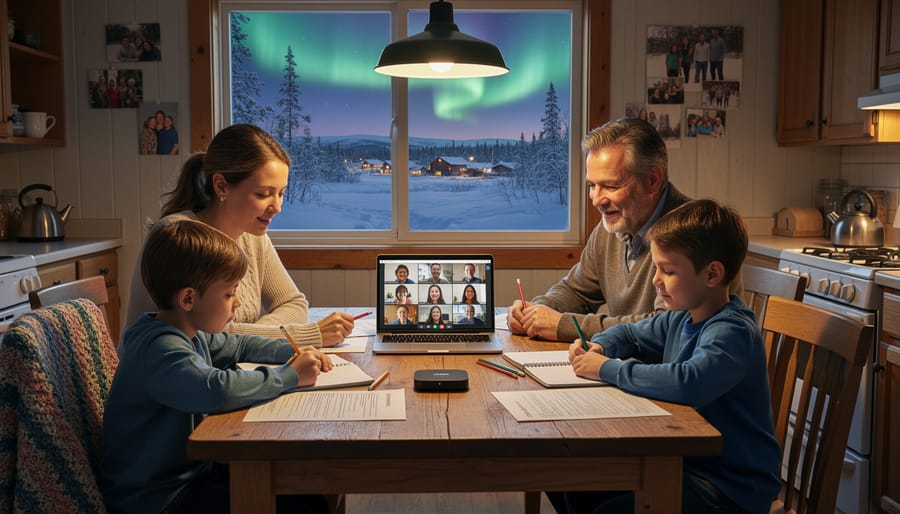
Picture a kitchen table in a small northern community, a laptop glowing beside a cup of tea. Down the road, a student in a rural farmhouse joins the same lesson, and across the country another logs in from a library corner. Remote learning gathers people the way a multicultural festival does, bringing very different lives into one shared, welcoming space.
For rural and northern students, it can mean access to courses that a small local school may not be able to offer. For newcomers in school, flexible and self-paced lessons can make learning English or French feel less intimidating, since recordings can be replayed and practice can happen at a comfortable speed.
Learners with disabilities often benefit from tools they can adjust themselves: captions, screen readers, larger text and flexible pacing that put them firmly in the driver’s seat. Indigenous communities may use online spaces to support language revitalization and cultural learning, connecting Elders, teachers and young people across long distances while keeping traditions at the centre.
Families juggling work and school find their own rhythm too. A parent on a night shift can help a child review a recorded lesson in the morning, and adult learners can upgrade their skills without leaving a job behind.
None of these stories look identical, and that is the point. Remote learning is a flexible set of tools, and each community shapes it to fit its own needs, languages and ways of sharing knowledge.
Who Can Access Remote Learning in Canada: Eligibility Requirements
Getting Started: Typical Steps to Enrol
Most learners begin with a simple question: which program fits my goals? From there, the path tends to follow a familiar rhythm, though every school, board and institution does things a little differently.
First, identify the right program, whether that’s a public school distance course, adult upgrading or an online college class. Next, reach out to the school or institution, since a short conversation often clears up questions faster than a website can. They’ll walk you through requirements, which commonly include:
- Place of residence within a province or territory
- Age and grade level
- Enrolment with a school or institution
- Prerequisites for the course or program
- Language of instruction
- Access to required technology
- Any accommodation needs
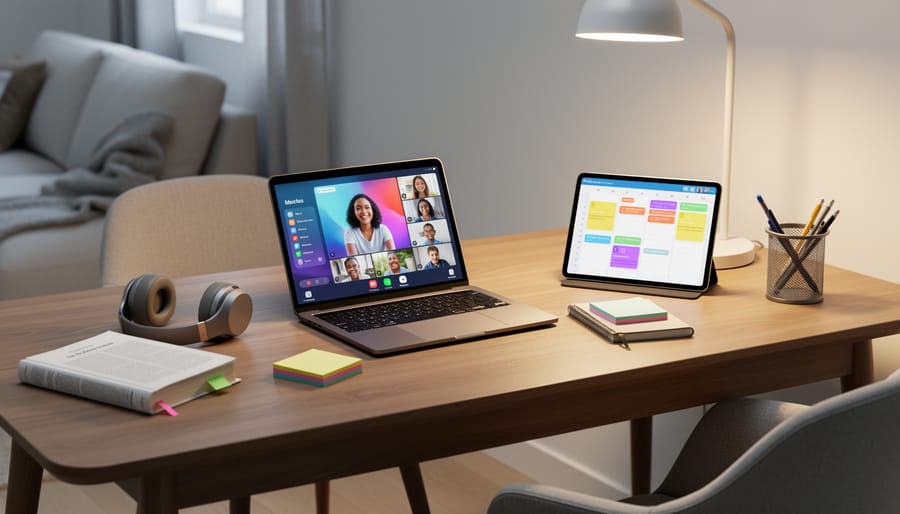
Once you’ve confirmed those details, it’s time to set up your devices and accounts. That usually means a reliable computer or tablet, an internet connection or an offline option, and login credentials for the school’s platform. Finally, give yourself time to learn the platform itself. Explore where lessons live, how to submit work and how to reach your teacher.
Think of it as picking up the remote for the first time: a little exploring turns an unfamiliar screen into something you can steer with confidence. Since steps vary by institution, treat this as a general map and confirm the specifics with the school or institution you choose.
Taking the Controls: Your Rights and Responsibilities as a Remote Learner
Privacy, Accessibility and Inclusion
Picture a virtual classroom as a shared community space: everyone should feel safe walking in, able to take part, and respected once they’re there. Three things make that possible.
Privacy comes first. Student names, grades, photos and learning needs are personal, so it matters that schools handle them carefully and that learners protect their own logins and avoid sharing class links or recordings.
Accessible design matters just as much. Captions help learners who are deaf or hard of hearing, and they also help anyone studying in a noisy kitchen or in a second language. Screen-reader compatibility lets blind and low-vision students move through lessons independently, and flexible deadlines recognize that internet access and family routines vary. These choices are part of what makes funding and access a question worth understanding for any family.
Culturally inclusive teaching completes the picture. When lessons reflect many languages, holidays and ways of knowing, learners see themselves in the material, much as they do in inclusive classrooms of every kind.
If something isn’t working, ask. Start with your teacher, then try the school’s accessibility or student services office. You don’t need a perfect explanation, just a clear description of what’s getting in the way.
Where to Get Help: Support for Remote Learners and Families
Help with remote learning is closer than most people think, and you rarely have to figure it out alone. Canada’s strength has always been its networks: schools, libraries and neighbourhood groups that step in when someone needs a hand. Start with the people nearest to you, then widen the circle as needed.
A teacher or school office is usually the best first stop. They can explain how a course runs, reset a login, or point you to the right person. If the issue is bigger, school boards and colleges or universities typically run help desks and student services that cover technical problems, study skills and wellbeing. Here is a quick map of where different kinds of help tend to sit.
| Type of Help | What It Can Help With | How to Find It |
|---|---|---|
| School or teacher | Course questions, assignments, login problems, next steps | Contact the teacher or school office directly |
| Institution student services | Technical support, advising, study and wellbeing resources | Look for a help desk or student services page on the school board, college or university site |
| Accessibility office | Accommodations, assistive tools, flexible arrangements | Search “accessibility” or “accommodations” on the institution’s website |
| Public library | Devices, internet access, quiet study spaces | Ask at your local branch or check its website |
| Community or settlement organization | Navigating the system, language support, newcomer guidance | Search for settlement or community services in your area |
| Provincial or territorial education ministry | Official information on programs, policies and options | Search for your province or territory’s education website |
Public libraries deserve a special mention. For many learners they are a lifeline, offering a quiet place to focus, a reliable connection and sometimes devices to borrow. Settlement and community organizations do similar work for newcomers, helping families understand how schooling works here and where to turn next. That spirit of welcome is part of what makes Canada a model of multicultural success.
Because education is organized by province and territory, the most dependable official information lives on your own region’s education website. Take a few minutes to search for it, and bookmark the pages that matter to you. Then reach out early. Asking a question sooner almost always makes things easier.
Common Questions About Remote Learning in Canada
Is remote learning the same everywhere in Canada?
No. Education is run by provinces and territories, so programs, platforms and rules vary from one school board or institution to the next. Your local school or college can tell you what applies where you live.
Do I need special equipment?
Usually a reliable device, such as a laptop, tablet or sometimes a phone, plus an internet connection is enough. Many programs also offer offline or low-bandwidth options, and public libraries often lend devices or provide quiet places to connect.
Can I get support if I have a disability or limited internet?
Yes, in many cases. Schools and institutions generally have accessibility or accommodation offices, and it’s worth asking about captions, flexible deadlines, or printed and downloadable materials if connectivity is a challenge.
Can newcomers and adult learners use remote learning?
Absolutely. Adult education, language classes and post-secondary programs are often available online, and settlement organizations can help newcomers find the right fit.
Who do I contact first when something goes wrong?
Start with your teacher or instructor, then the school or institution’s help desk or student services. They can usually sort out login, access or platform problems quickly.
Remote learning grows richer when learners feel curious and connected, not just logged in. Beyond the practical answers above, many people find it helpful to build a personal shelf of stories, guides and community voices that make studying feel more human and more their own. Browsing a set of learning resources can be a lovely way to deepen that sense of belonging while you study at your own pace. And if a question isn’t answered here, don’t hesitate to ask your school, library or a local community organization. Someone nearby has almost certainly walked the same path and will be glad to point the way.
Think of a remote control for a moment. It’s a small thing, yet it puts the choices in your hands: what to watch, when to pause, when to start again. Remote learning works best in much the same way. When learners and families feel they hold the controls, steering their own pace, tools and routines, education becomes less about logistics and more about possibility.
None of this happens alone, of course. Teachers, school boards, college help desks, public libraries and community organizations all lend a hand, whether that means a borrowed laptop, a quiet table, a patient explanation or a conversation in a familiar language. That web of support is what turns a screen into a classroom.
Canada has a long habit of reaching learners wherever they are, from correspondence lessons mailed to distant homesteads to broadcasts and today’s online classrooms. That tradition keeps growing, shaped by the many languages, cultures and communities that make up this country. Like a festival where everyone brings something to the table, remote learning is richer for the people it serves.
So take the next step. Reach out to your local school, library or institution, ask what options exist, and find out what fits your life. Then pass along what you learn to a neighbour, a friend or a newcomer who might need it. Learning is better when it’s shared.